Answered prayer journal

An answered prayer journal, built into your prayer life

PrayerMap keeps a record of God's faithfulness as you pray. Mark a prayer answered from your list or in the middle of a session, write down how God moved, and date it to the day it happened. The item leaves your schedule on its own, and PrayerMap invites you to add the next prayer.

Over time the Reports page becomes a place to remember: what you prayed, when, and what God did.

The demo is a sample account with real features and sample data. No sign-up needed.
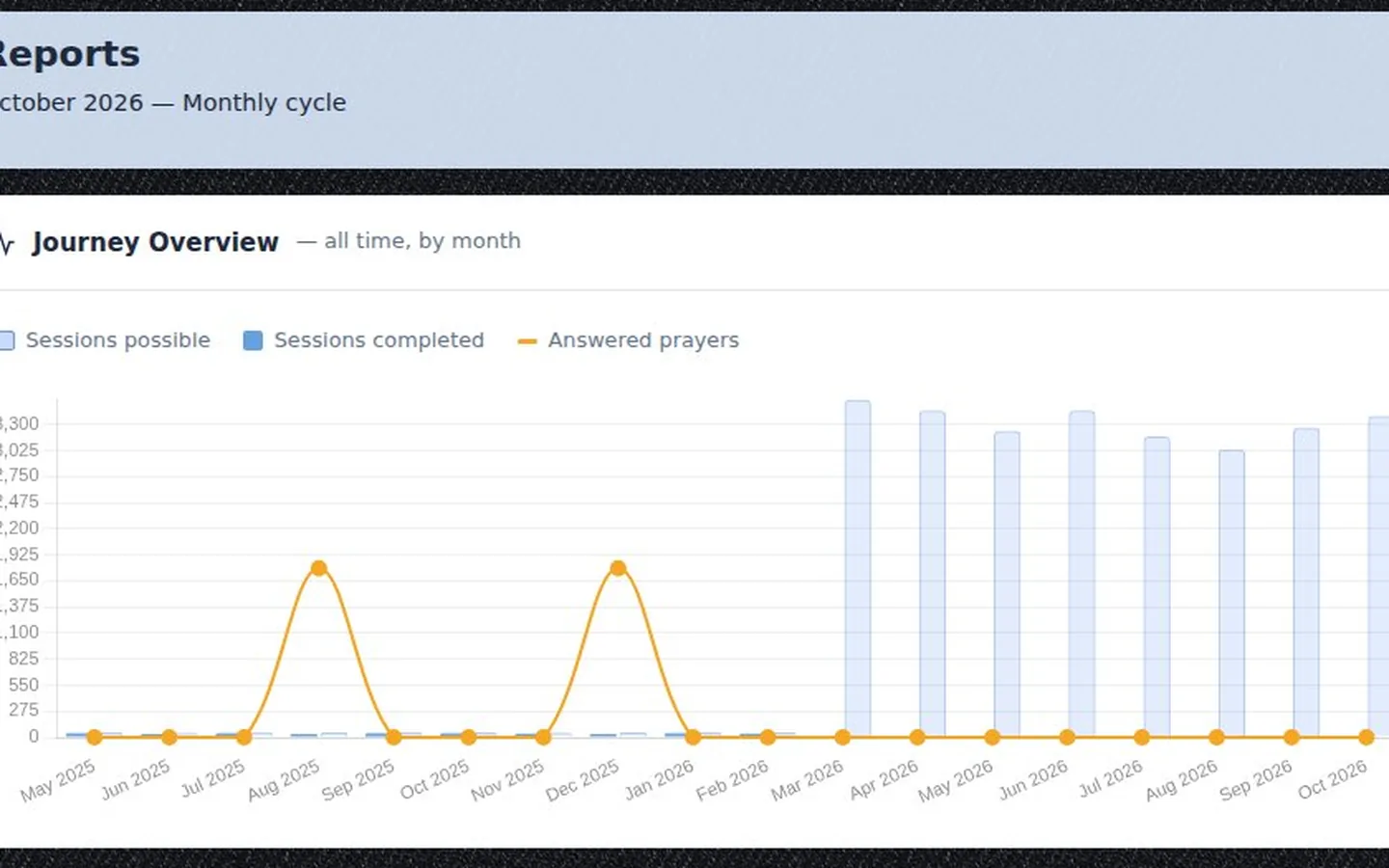
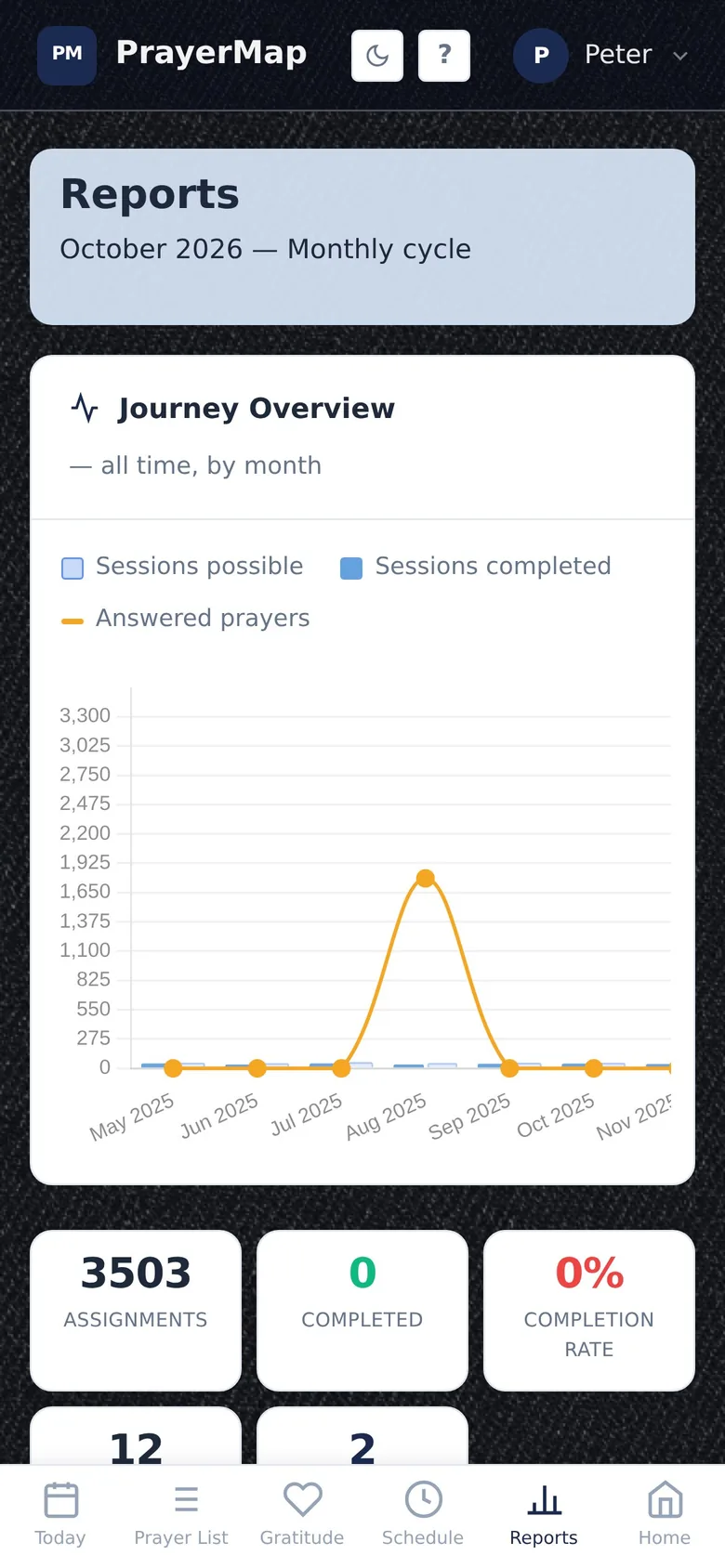
The PrayerMap Reports page: the Journey Overview chart of sessions possible, sessions completed and answered prayers by month
The Reports page on a phone

Write down how God answered

  • Mark it answered from the prayer item form or straight from a live prayer session.
  • Write the story: a note of how God moved, kept with the prayer.
  • Back-date it to the day the answer actually came, so your history stays true.
  • No cleanup: the answered item leaves your schedule automatically.
  • Keep praying: PrayerMap invites a follow-up prayer, because a surgery answered becomes recovery prayed for, and recovery answered becomes full restoration.
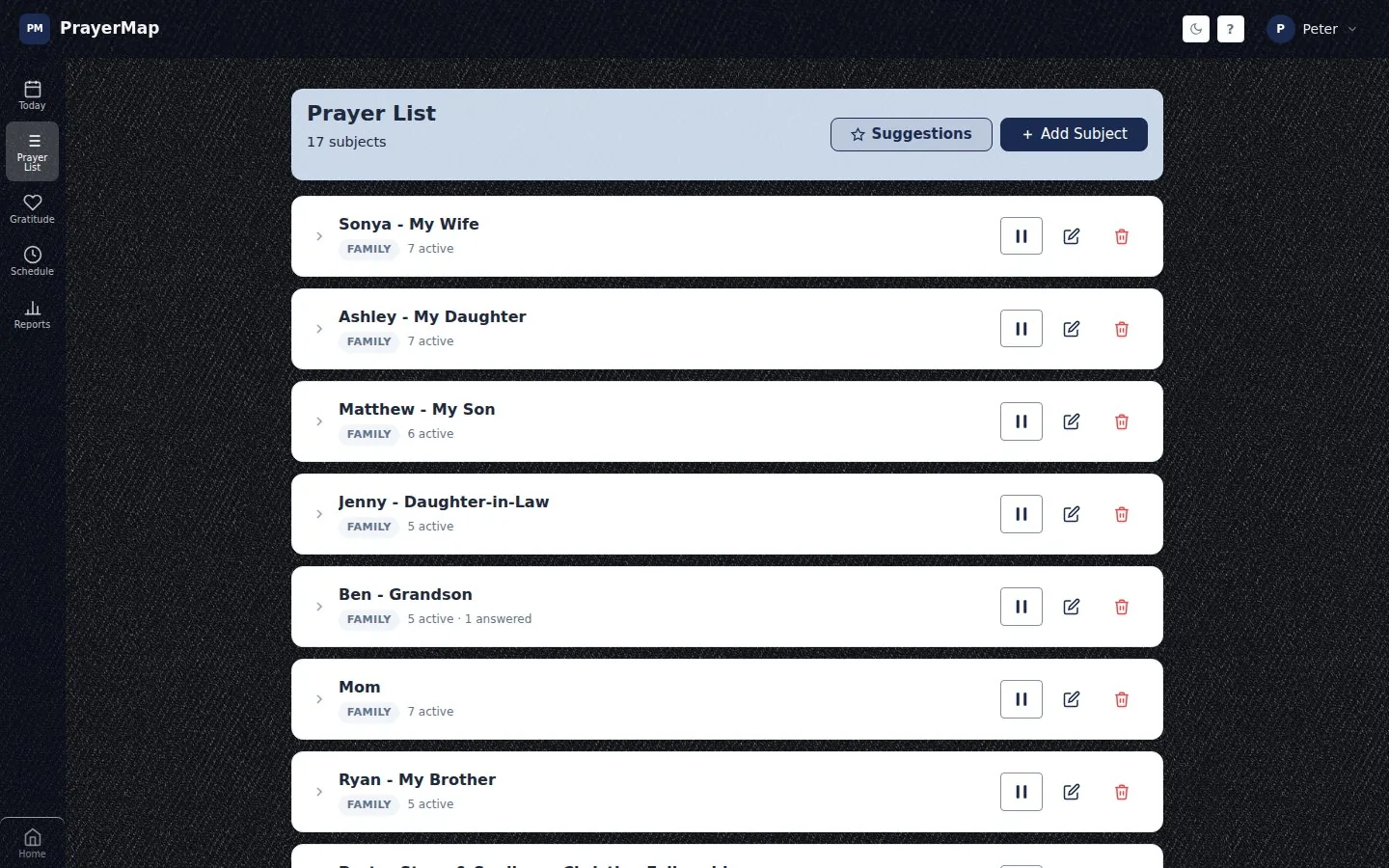
The PrayerMap prayer list, where a subject shows its answered prayers beside its active items, for example Ben, grandson: 5 active, 1 answered
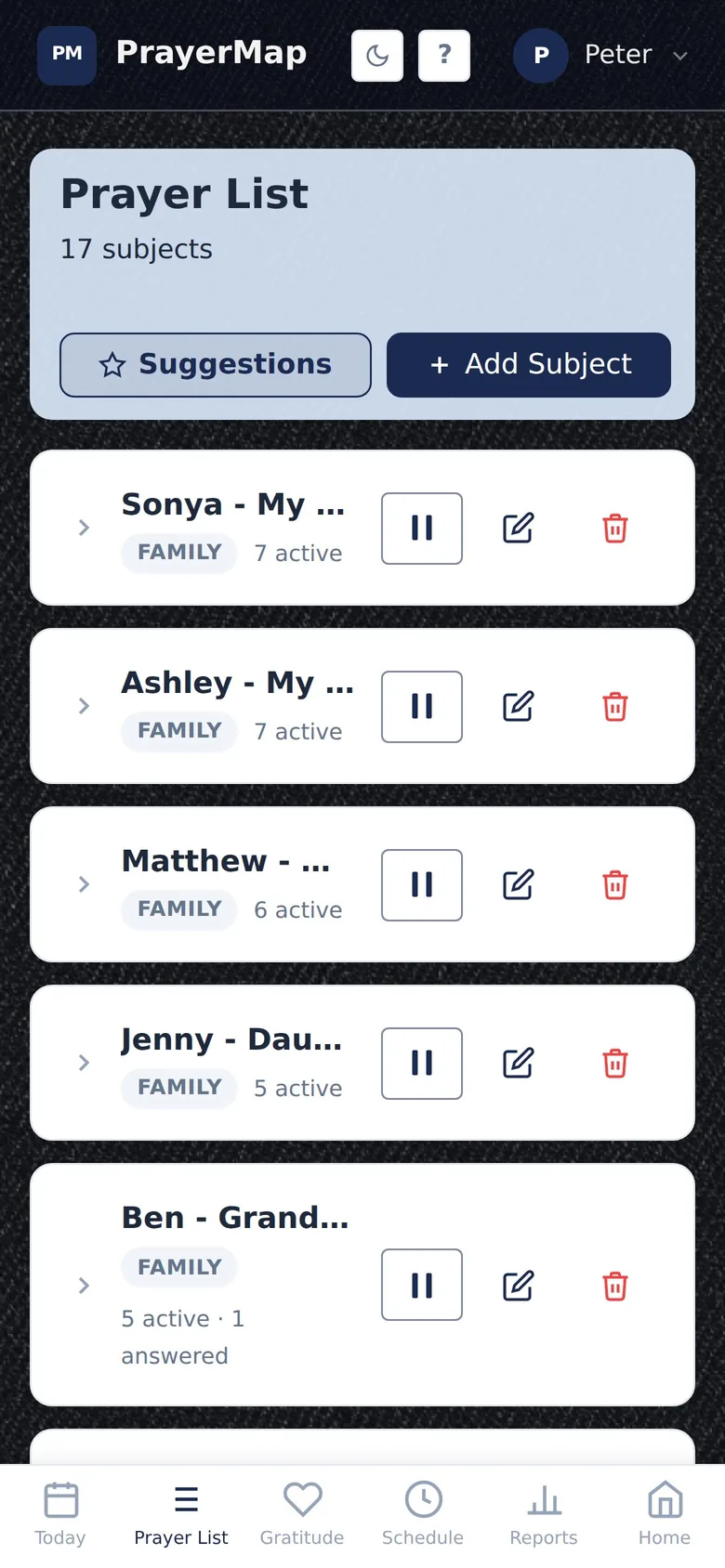
Prayer subjects on a phone with their active items

Look back and see what God has done

The PrayerMap Reports page is not a productivity scoreboard. It is a place to remember.

  • Journey Overview charts your whole prayer history by month.
  • ACTS breakdown shows how your prayer time has been shared across adoration, confession, thanksgiving and supplication.
  • Daily view: tap any day to open what you prayed that day.
  • Answered prayer history in order, with the notes you wrote when it happened.

Seasons you would have forgotten turn out to be recorded, and remembering what God has done is fuel for gratitude and for the thanksgiving phase of ACTS prayer.

How to keep an answered prayer journal in PrayerMap

Pray through your list

Pray your scheduled items each session and check them off.

Mark the answer

When God answers, mark the item answered, write how He moved, and set the date it happened.

Add the next prayer

Add a follow-up prayer if the story continues, and look back on the Reports page any time.

“I will give thanks to the LORD with all my heart; I will tell of all Your wonders.”

Psalm 9:1 (NASB95)

Questions about answered prayer in PrayerMap

How do I track answered prayers?

Keep each request on a prayer list, and when God answers, record the answer with a note and the date. PrayerMap does this in the same place you pray: mark the item answered, write how God moved, and it moves to your answered prayer history.

Why keep a record of answered prayer?

Because we forget. Scripture calls God's people again and again to remember His works. A written record of answered prayer builds faith for what you are praying now and gives you specific things to thank Him for.

Can I record an answer that came weeks ago?

Yes. PrayerMap lets you back-date an answer to the day it actually happened.

What happens to a prayer after it is answered?

It leaves your prayer schedule automatically and stays in your answered prayer history with your note. PrayerMap then invites you to add a follow-up prayer if the story is still unfolding.

Every prayer covered. Every answer remembered.

See it with sample data in the live demo, or start free. No credit card needed.