Prayer reminders

Gentle prayer reminders, on your phone

PrayerMap sends quiet, invitational prayer notifications to your phone: a reminder as each prayer window approaches, and if you want them, a gentle prompt toward your accountability or gratitude practice. You choose exactly which ones you get, down to the individual session.

PrayerMap installs on your home screen from the browser, with no app store and no download.

The demo is a sample account with real features and sample data. No sign-up needed.
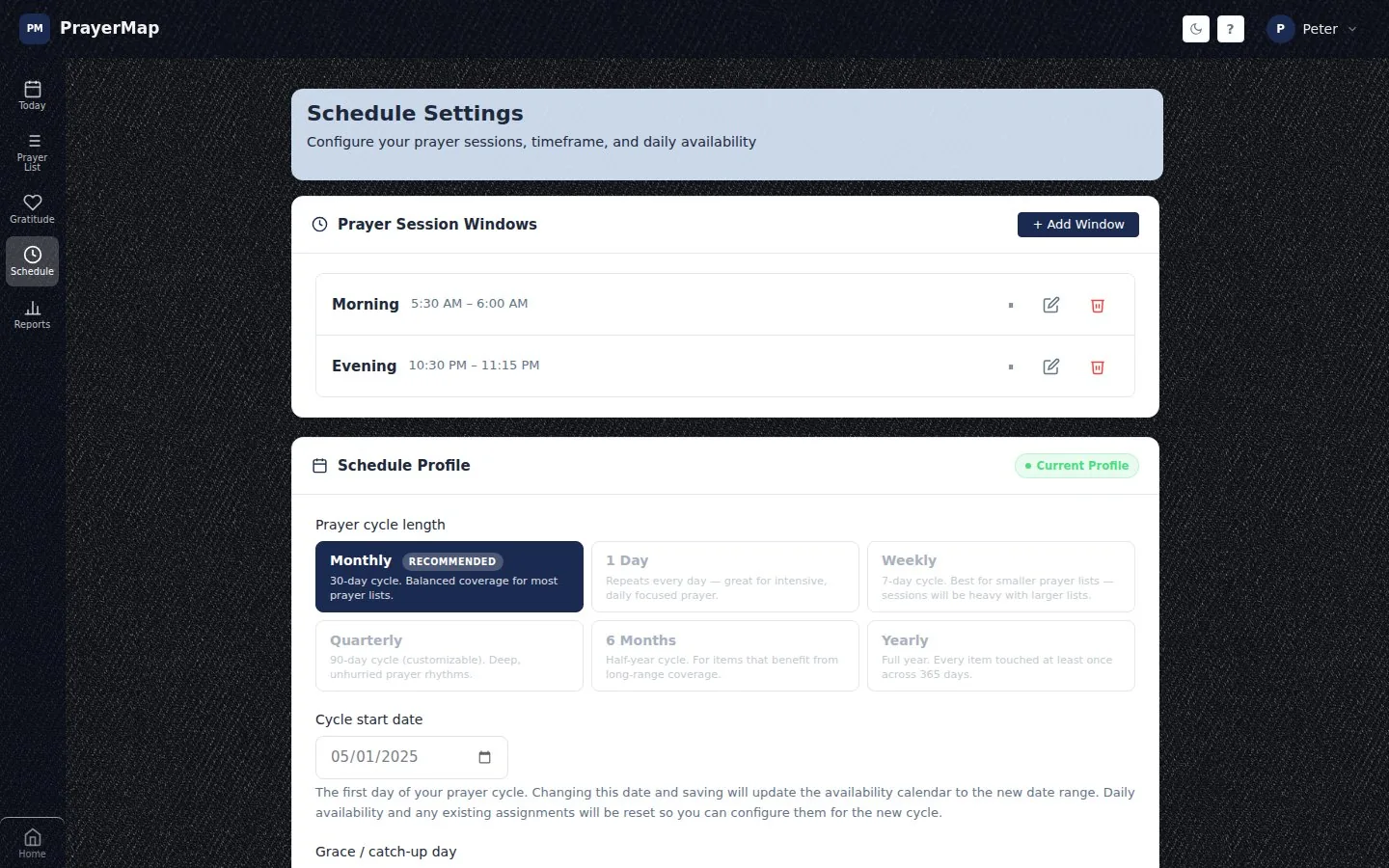
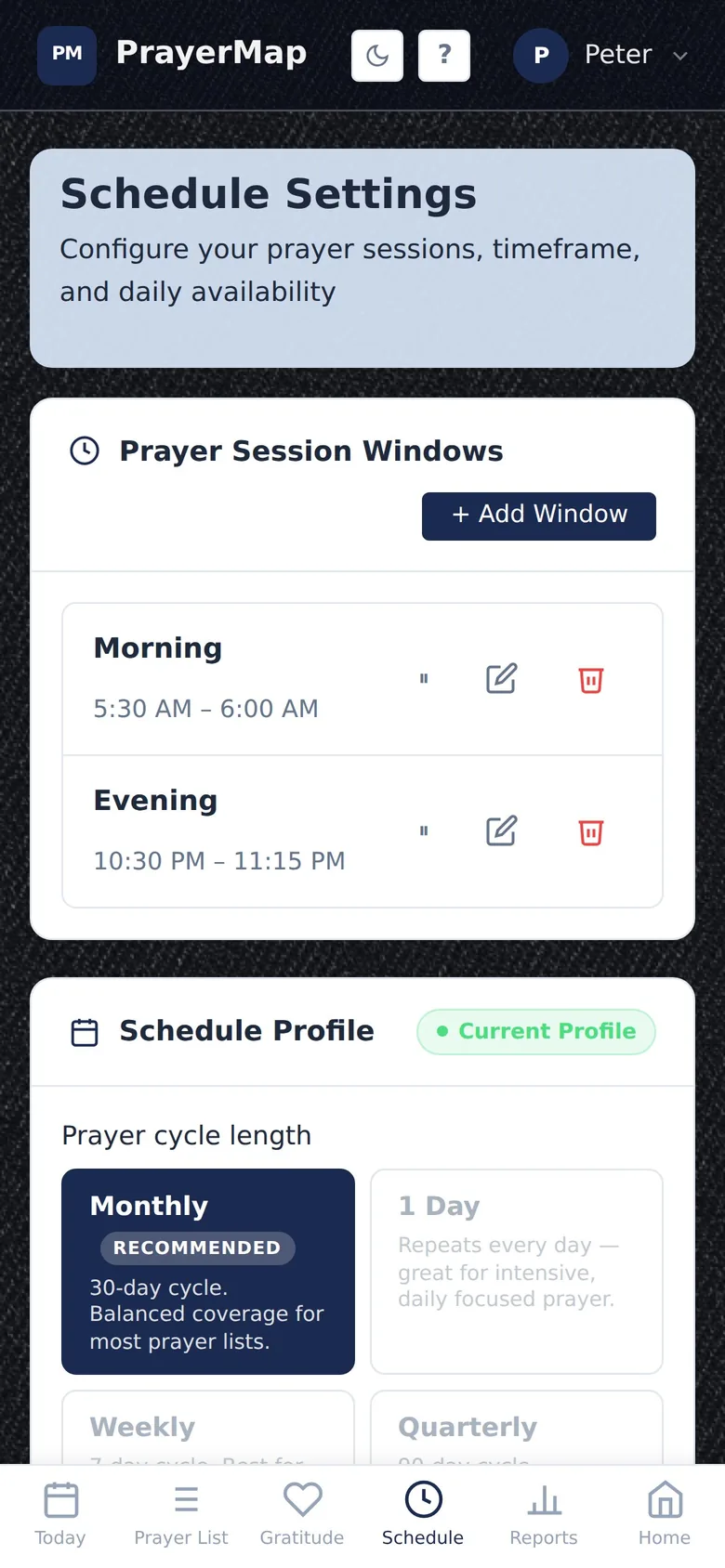
PrayerMap prayer session windows, Morning from 5:30 to 6:00 AM and Evening from 10:30 to 11:15 PM, which set when prayer reminders arrive
Prayer session windows on a phone

Reminders that invite, never nag

  • Session reminders as each of your prayer windows approaches, chosen session by session.
  • Accountability and gratitude prompts, each one optional.
  • Shabbat and festival notices for those using the Messianic Prayers add-on: a reminder before candle lighting, and notices before the feasts.
  • Fresh wording: messages come from a curated library, so a nudge never reads like an automated ping.
  • Your clock: times show in 12-hour or 24-hour format.

In keeping with how PrayerMap works everywhere, there are no guilt messages and no broken-streak warnings.

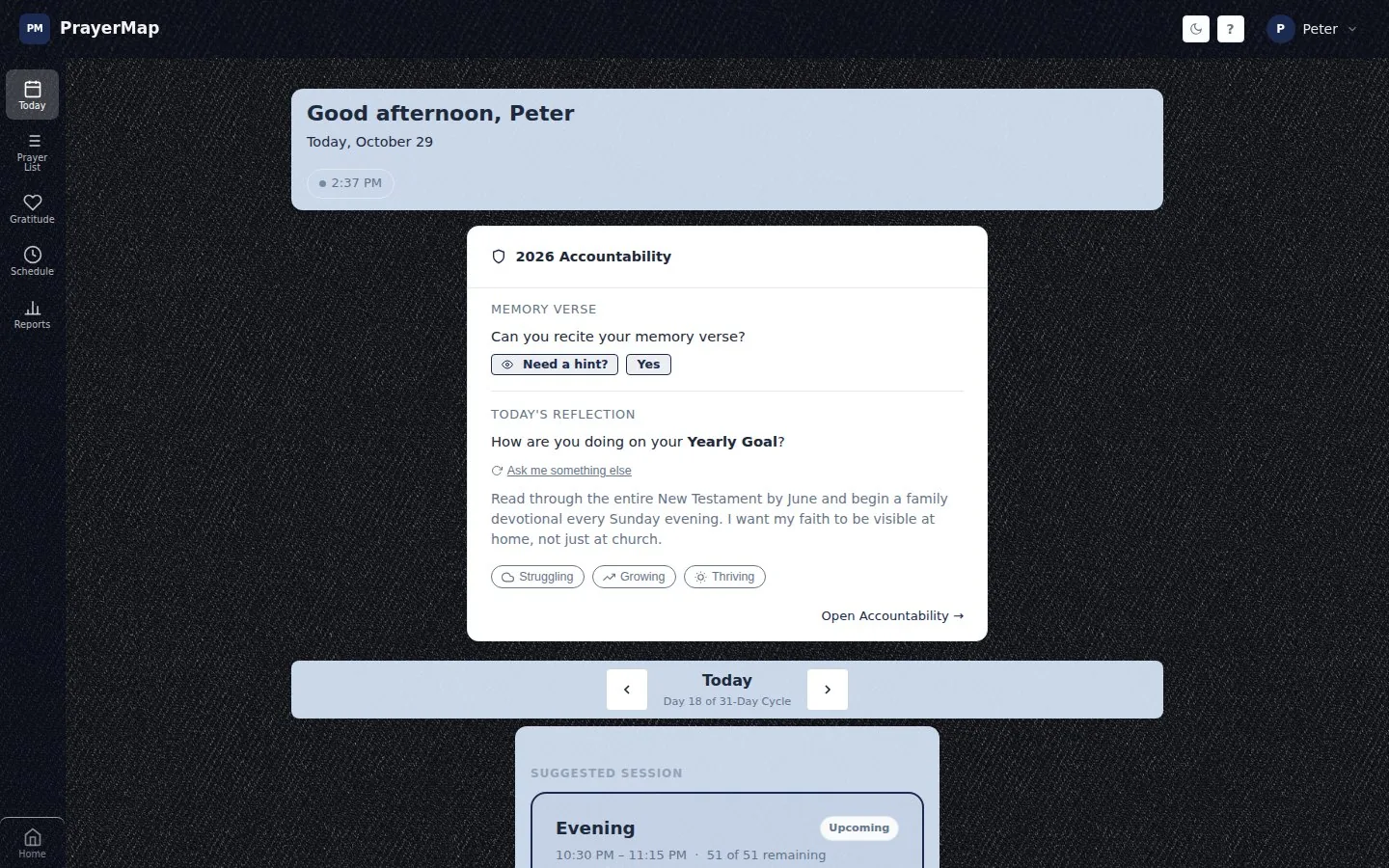
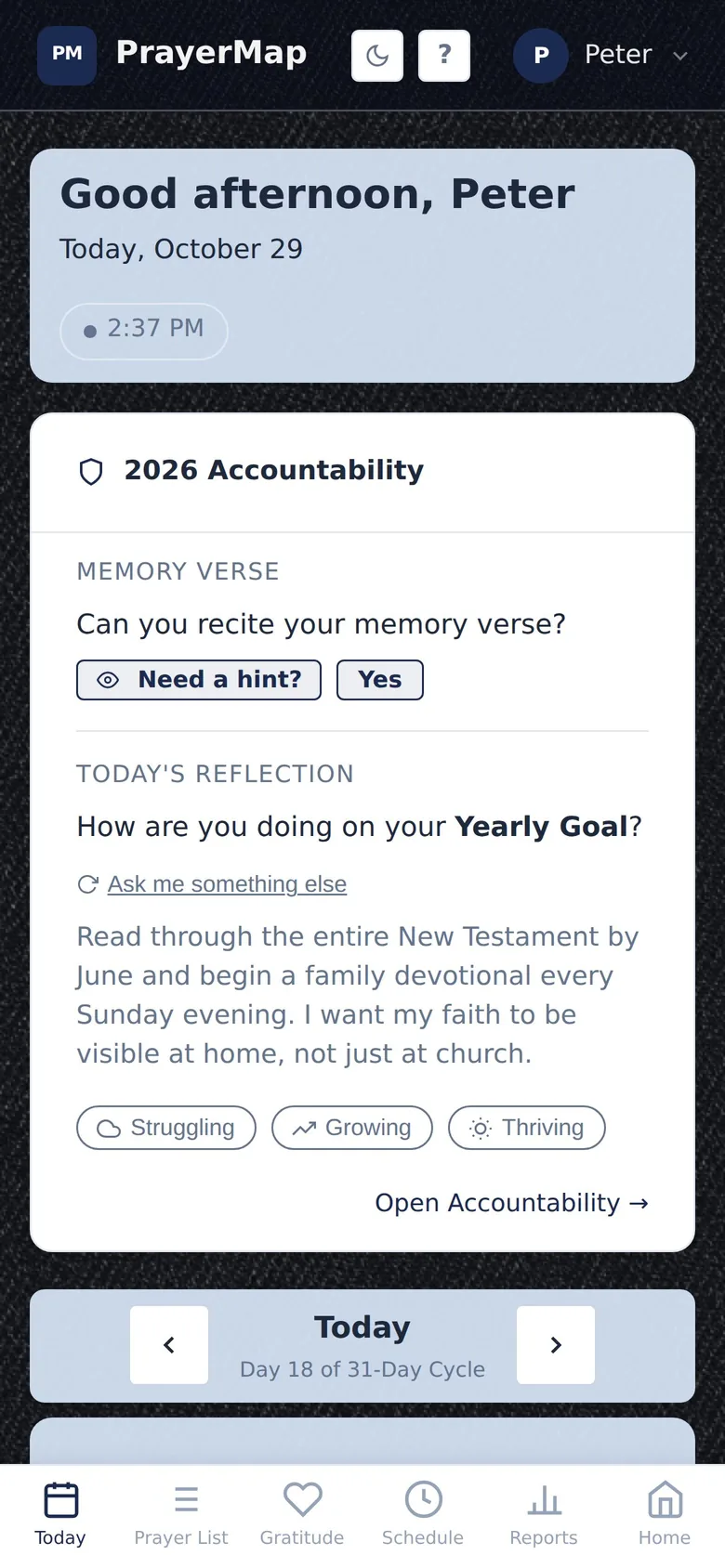
The PrayerMap Today page a reminder opens to: the greeting, the accountability card and the upcoming evening prayer session
Today on a phone, opened from a prayer reminder

Install PrayerMap on iPhone or Android

PrayerMap is a progressive web app: it lives on your home screen like any other app, opens full screen with its own icon, and updates itself.

Installing PrayerMap
DeviceSteps
iPhone or iPadOpen app.prayermap.me in Safari, tap Share, then Add to Home Screen.
AndroidOpen app.prayermap.me in Chrome and tap Install app.
ComputerUse it in any modern browser at app.prayermap.me.

On iPhone and iPad, notifications work only once PrayerMap has been added to the home screen; Apple delivers push only to installed apps.

How to turn on prayer reminders

Install PrayerMap

Add it to your home screen: Safari, Share, Add to Home Screen on iPhone; Install app in Chrome on Android.

Set your prayer windows

In Schedule, add the times of day you pray, such as morning and evening.

Choose your notifications

In your profile, turn on push notifications and pick which sessions and prompts you want.

“With all prayer and petition pray at all times in the Spirit, and with this in view, be on the alert with all perseverance and petition for all the saints”

Ephesians 6:18 (NASB95)

Questions about prayer reminders

Is there an app that reminds me to pray?

Yes. PrayerMap sends a gentle notification as each of your prayer times approaches, and opens straight to the prayers scheduled for that session. It runs on iPhone, Android and computers.

Do I need to download PrayerMap from the App Store?

No. PrayerMap is a web app. Add it to your home screen from Safari on iPhone or Chrome on Android and it works like an installed app, with no app store and no download.

Why am I not getting prayer notifications on my iPhone?

On iPhone and iPad, Apple delivers push notifications only to web apps added to the home screen. Add PrayerMap to your home screen from Safari, open it from there, and turn on notifications in your profile.

Can I choose which prayer reminders I get?

Yes. Choose them session by session, and turn the accountability and gratitude prompts on or off separately.

Every prayer covered. Every answer remembered.

See it with sample data in the live demo, or start free. No credit card needed.